
Clinic Operations System
A ready-to-customize operating system for independent clinics: SOPs, workflows and checklists.
- 20 administrative workflows
- 16 clinic message templates
- Excel practice dashboard
$79 CAD

Websites, Instagram and ready-to-use systems for independent clinics, made by someone who has worked inside them since 2014.
Selected work
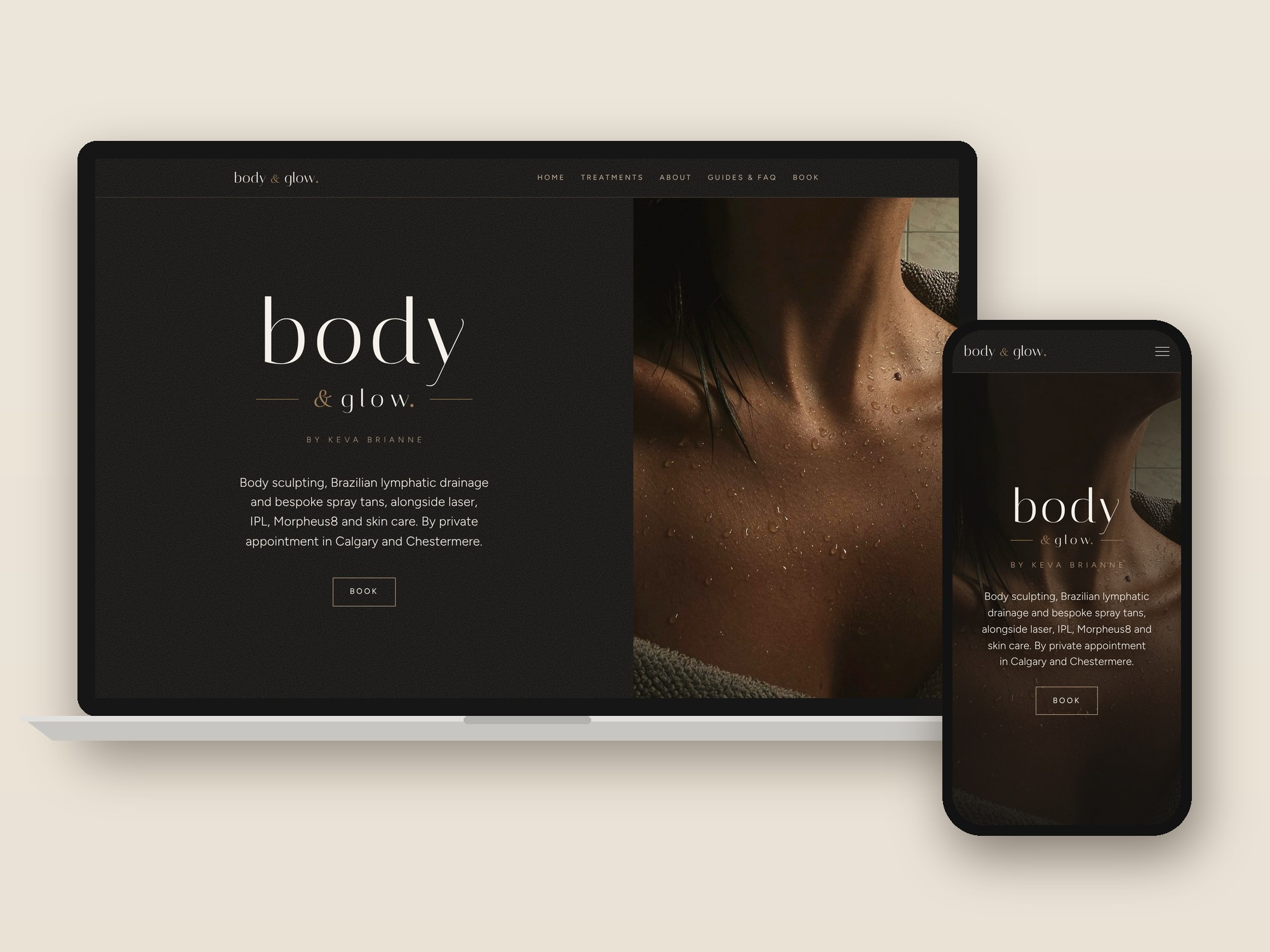
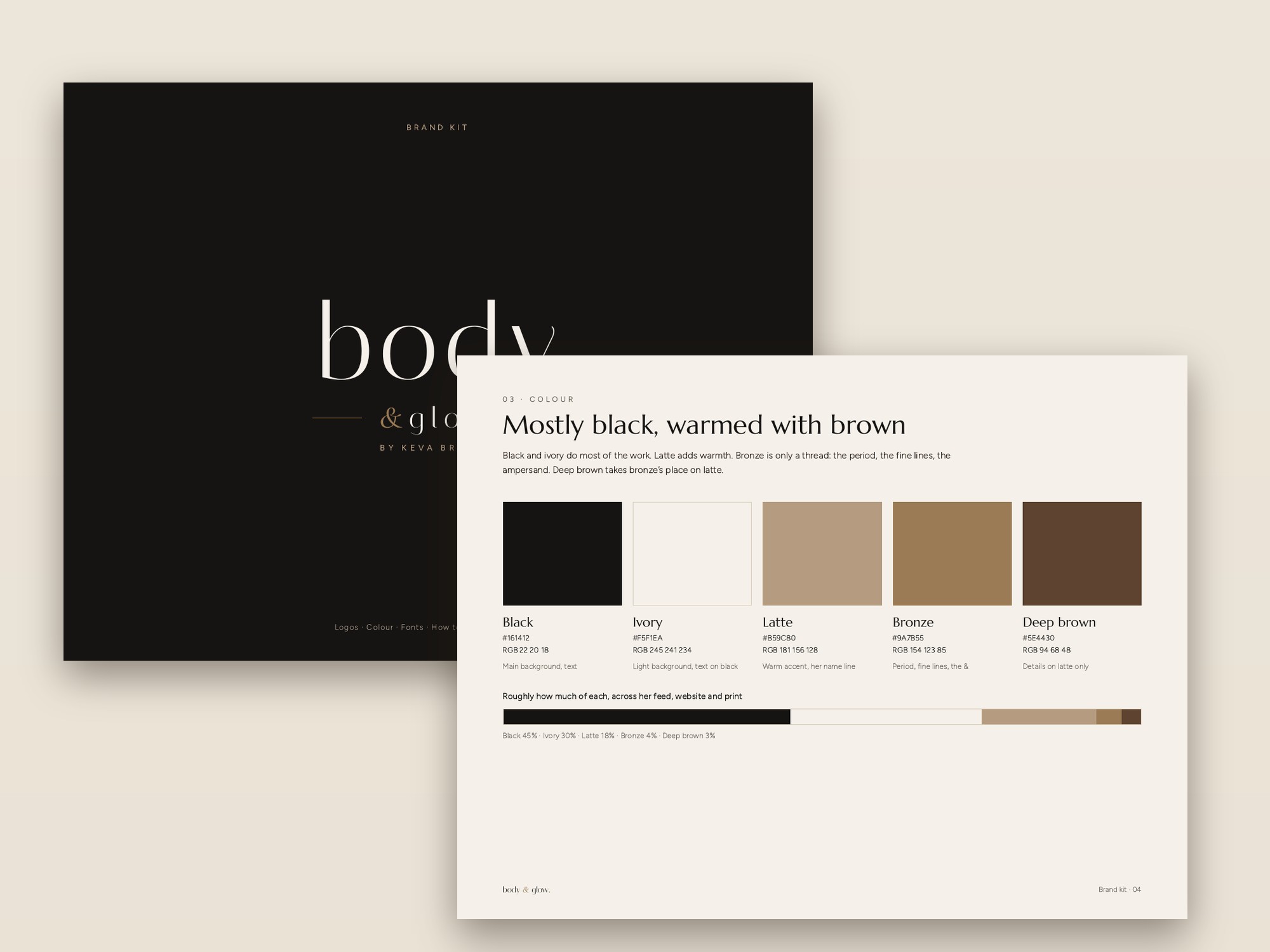
A luxury rebrand for a Calgary body contouring and spray tan studio. New website, brand kit and a month of Instagram content, all in one look.

Services
For clinics, med spas and wellness studios that want to look as good as the care they give.
Every project starts with a short email. I reply myself, with ideas and a set price.
Start a projectsystemsbehindtheclinic@gmail.com
Clean, fast and mobile-friendly, with your treatments, prices and booking front and centre. Add a brand kit and your website, Instagram and printed pieces all match.
On-brand posts and stories with captions and a posting calendar. I create the content and you post it, or add posting for $200, $300 or $400 a month.
Front desk, booking, policies and patient communication, from someone who works inside a clinic. Walkthroughs are in person in Calgary, AB; travel fees apply elsewhere.
Ready-to-use systems for clinic teams. Instant download · Edit in Word, Excel or Canva
Featured
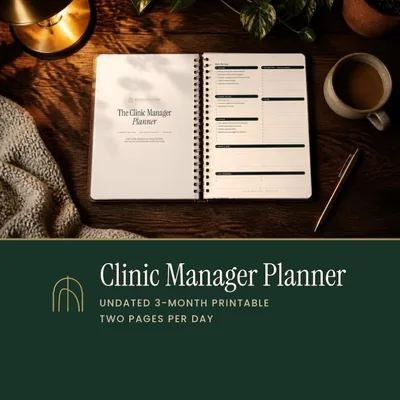
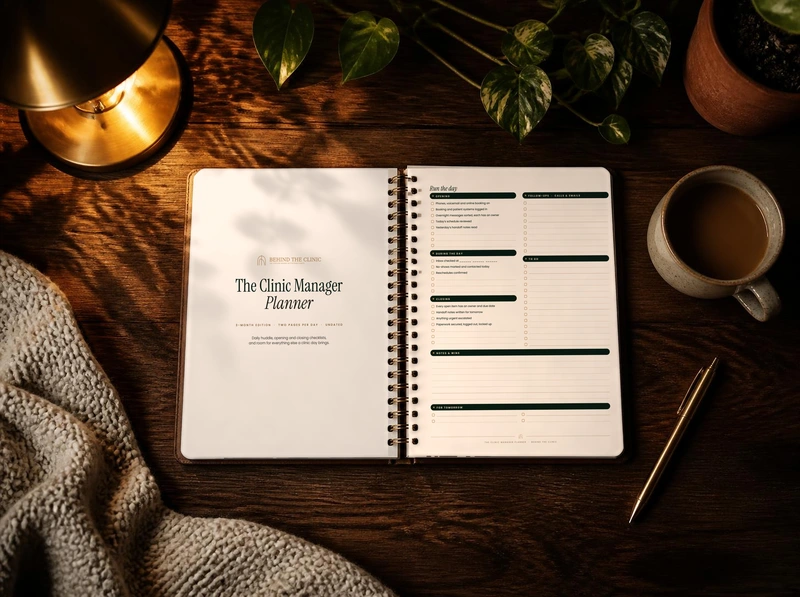
Two pages for every clinic day: plan it on the left, run it on the right.
From $19 CAD
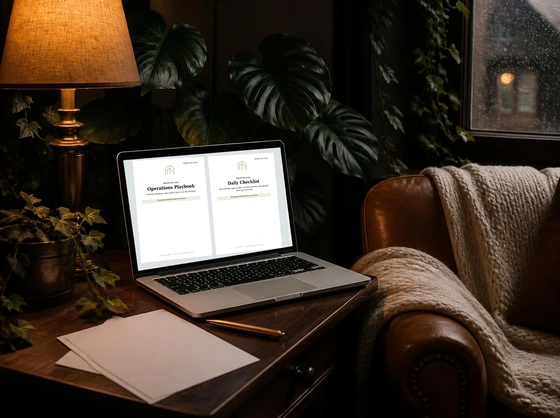
Every system to run the front desk and patient experience.
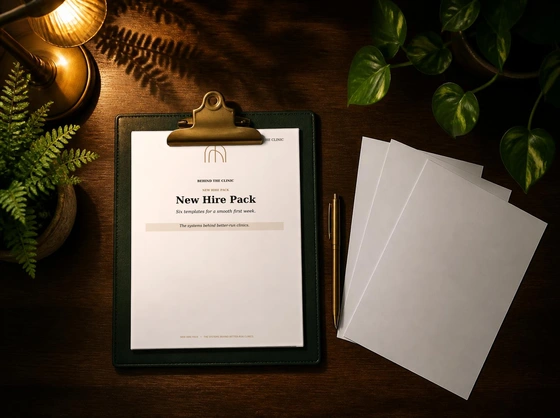
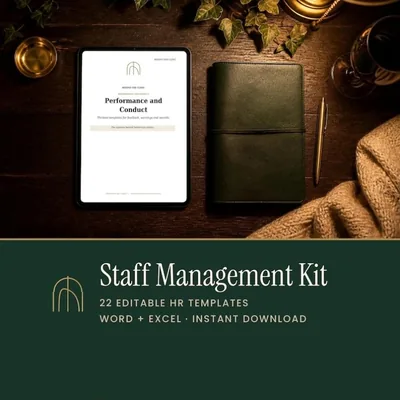
Hire, onboard, pay and manage your team without starting from scratch.
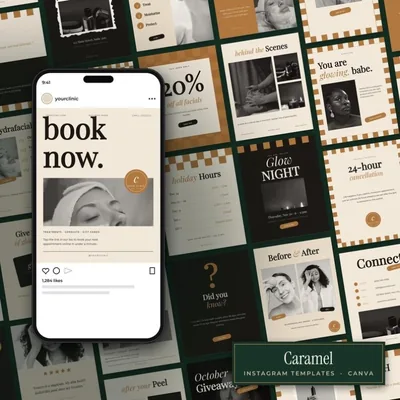
Retro checkerboard posts and stories for med spas.
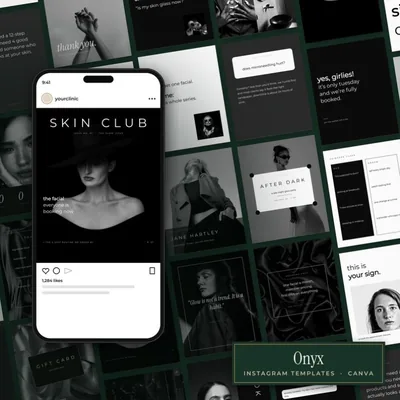
Minimal black and white posts and stories.
The letter
One short email when there is a new article or a new product. No spam.

I have worked in medical administration and management since 2014. Behind the Clinic is that experience, written down and ready to use.
Most clinic problems are not clinical. They are unclear handoffs, hiring and onboarding done from memory, schedules and pay that depend on one person, and patient messages that change with whoever picks up the phone. Fixing those things is the work I know best.
Every kit and planner is built from that everyday work and written in plain language, so your team can put it to use the same day. When you would rather have it done for you, I build clinic websites and Instagram content and help set up the systems in person.
I still work inside a clinic every week, so everything here is tested on real front desks, real schedules and real patients before it reaches you. My goal is simple: a clinic that runs calmly, looks as good as the care it gives, and doesn’t fall apart when one person is away.
Templates, planners, websites and social media for clinics.
Visit the website Shop on EtsyThe Clinic Manager Planner on Amazon
Work with me Join the mailing list Read the journal Free downloadOpening & closing checklist@systemsbehindtheclinic
A printable two-page checklist for the front desk, so every day starts ready and ends secure, no matter who is working.
You'll also get the Behind the Clinic newsletter, about once a month. Unsubscribe any time.
The shop
Editable clinic systems, Canva Instagram templates, branding kits, the Clinic Manager Planner, kids’ coloring books and paperback books on Amazon. Etsy prices in CAD.
Editable Word and Excel kits for running the front desk, the team and the patient experience.
A ready-to-customize operating system for independent clinics: SOPs, workflows and checklists.
$79 CAD
Scripts and messages for every moment of the patient journey, from booking to follow-up.
$49 CAD
The Operations System plus the Patient Experience Kit, together for less.
$99 CAD
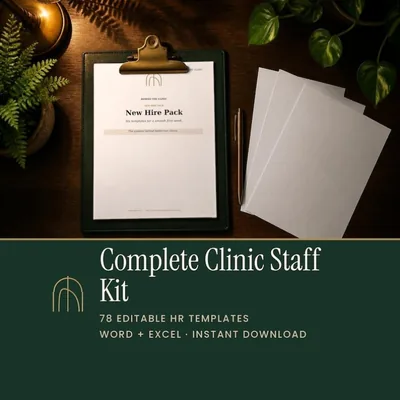
Everything to hire, welcome and train new staff.
$49 CAD
Clear pay, policies and schedules for your clinic team.
$49 CAD
Reviews, records and expectations, from performance check-ins to exit interviews.
$49 CAD
All three staff kits together, plus bonus onboarding and offboarding checklists.
$99 CAD
Intake forms, treatment records, policies, client messages and a business tracker for solo estheticians.
$49 CAD
30 posts and 30 stories per style, edited in Canva with a free account.
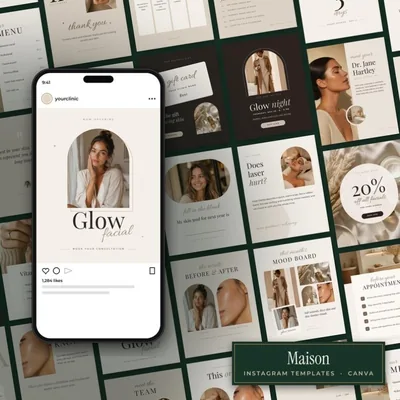
Soft, neutral beige posts and stories for aesthetics clinics and skin studios.
$29 CAD
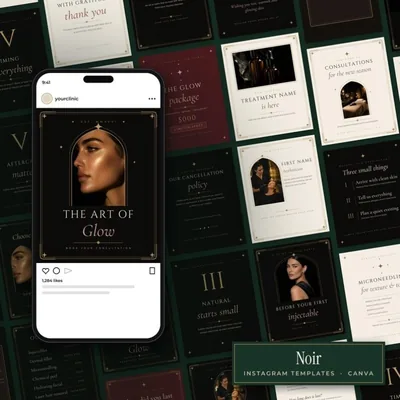
Black and gold luxury posts and stories for med spas and injectors.
$29 CAD
Warm, vintage botanical posts and stories for wellness and family clinics.
$29 CAD
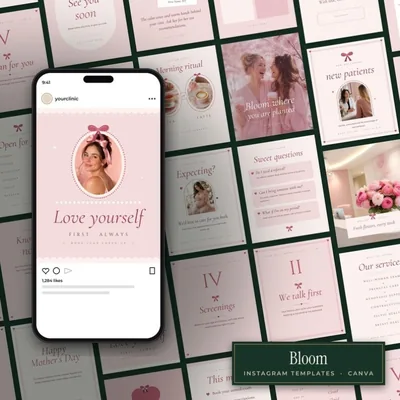
Soft pink posts and stories for women's health, fertility and midwifery clinics.
$29 CAD
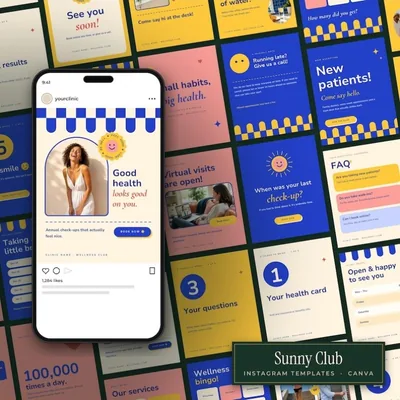
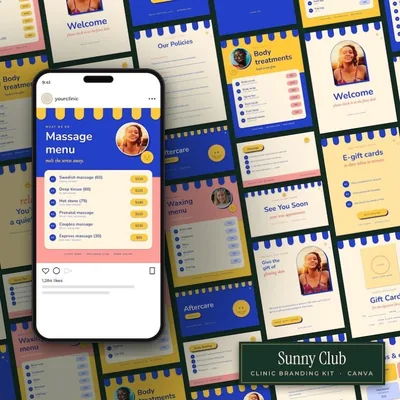
Bright, cheerful posts and stories for family, walk-in and pediatric clinics.
$29 CAD
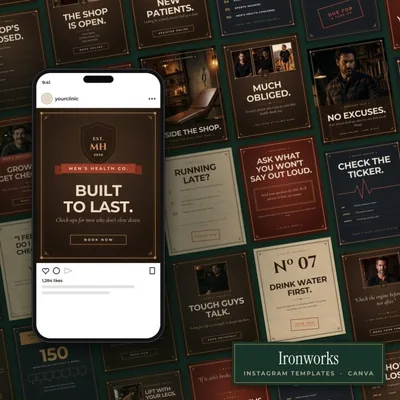
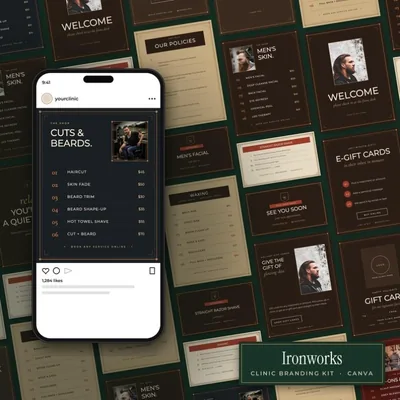
Rugged workshop-style posts and stories for men's health, sports medicine and physio.
$29 CAD
Retro checkerboard posts and stories in caramel and cream for med spas and estheticians.
$29 CAD
Minimal, editorial black and white posts and stories with magazine-cover layouts.
$29 CAD
Print pieces that match each Instagram style: gift certificates, menus, cards and signs.
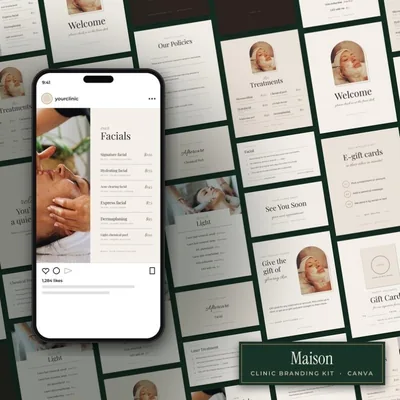
Gift certificates, service menu, aftercare and business cards and signs in the Maison style.
$39 CAD
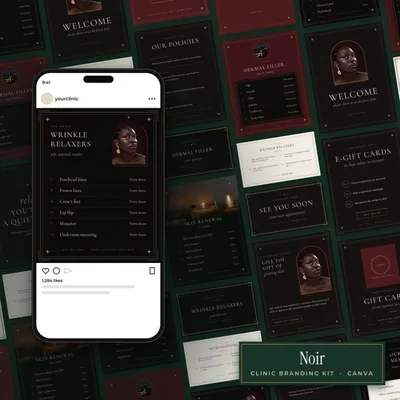
Gift certificates, service menu, aftercare and business cards and signs in the Noir style.
$39 CAD
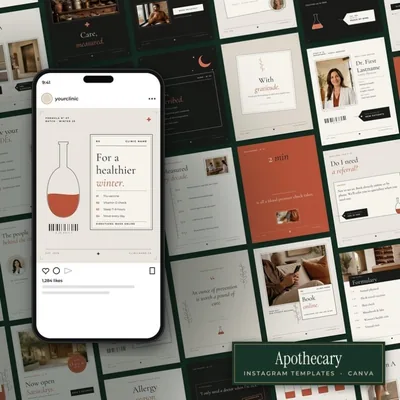
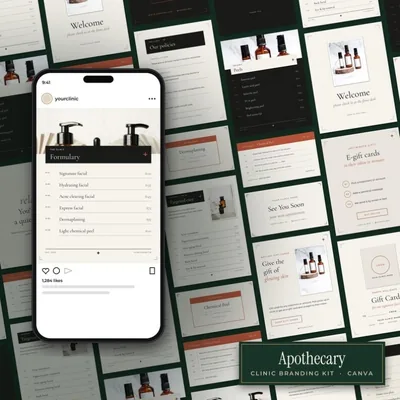
Gift certificates, service menu, aftercare and business cards and signs in the Apothecary style.
$39 CAD
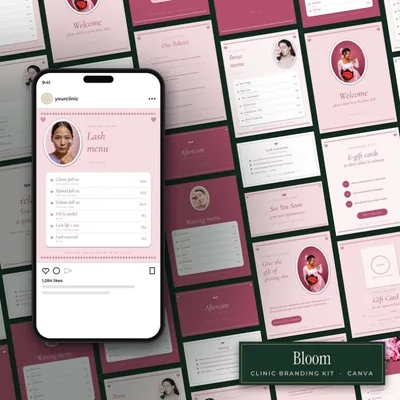
Gift certificates, service menu, aftercare and business cards and signs in the Bloom style.
$39 CAD
Gift certificates, service menu, aftercare and business cards and signs in the Sunny Club style.
$39 CAD
Gift certificates, service menu, aftercare and business cards and signs in the Ironworks style.
$39 CAD
The Clinic Manager Planner, as a printable or a paperback.
Two pages for every clinic day: plan it on the left, run it on the right. Undated, so start any month.
From $19 CAD
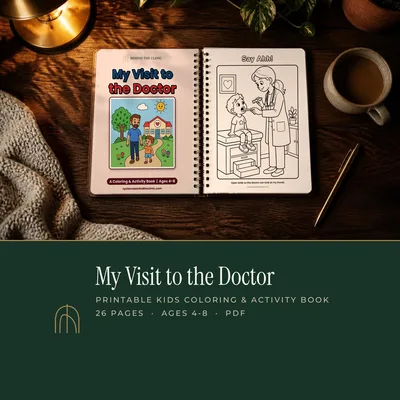
Kids’ coloring books for waiting rooms and take-home: printable on Etsy or paperback on Amazon.
Follow Maya to the dentist: the big chair, brushing, flossing and a Super Smile Award.
From $9.99 CAD
Follow Leo to his check-up with Dr. Hart, from the waiting room to picking a sticker.
From $9.99 CAD
Follow Rosie through a healthy day: water, gardening, a nature walk and a visit to the naturopath.
From $9.99 CAD
Paperback journals, record books and a coloring book for healthcare workers, on Amazon.
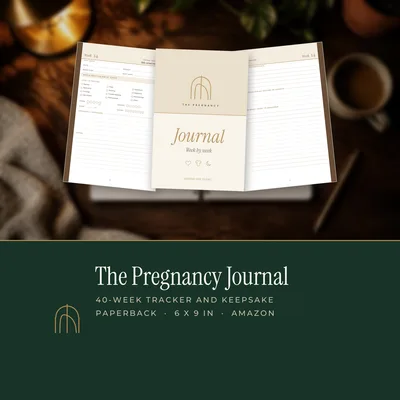
A two-page spread for every week of pregnancy, plus trackers, a birth plan and a hospital bag checklist.
$15.99 USD
Intake, health history, skin analysis and treatment records for 40 clients, plus monthly business logs.
$19.99 USD
A sassy coloring book for nurses, doctors and healthcare workers who keep everyone else going.
$10.99 USD
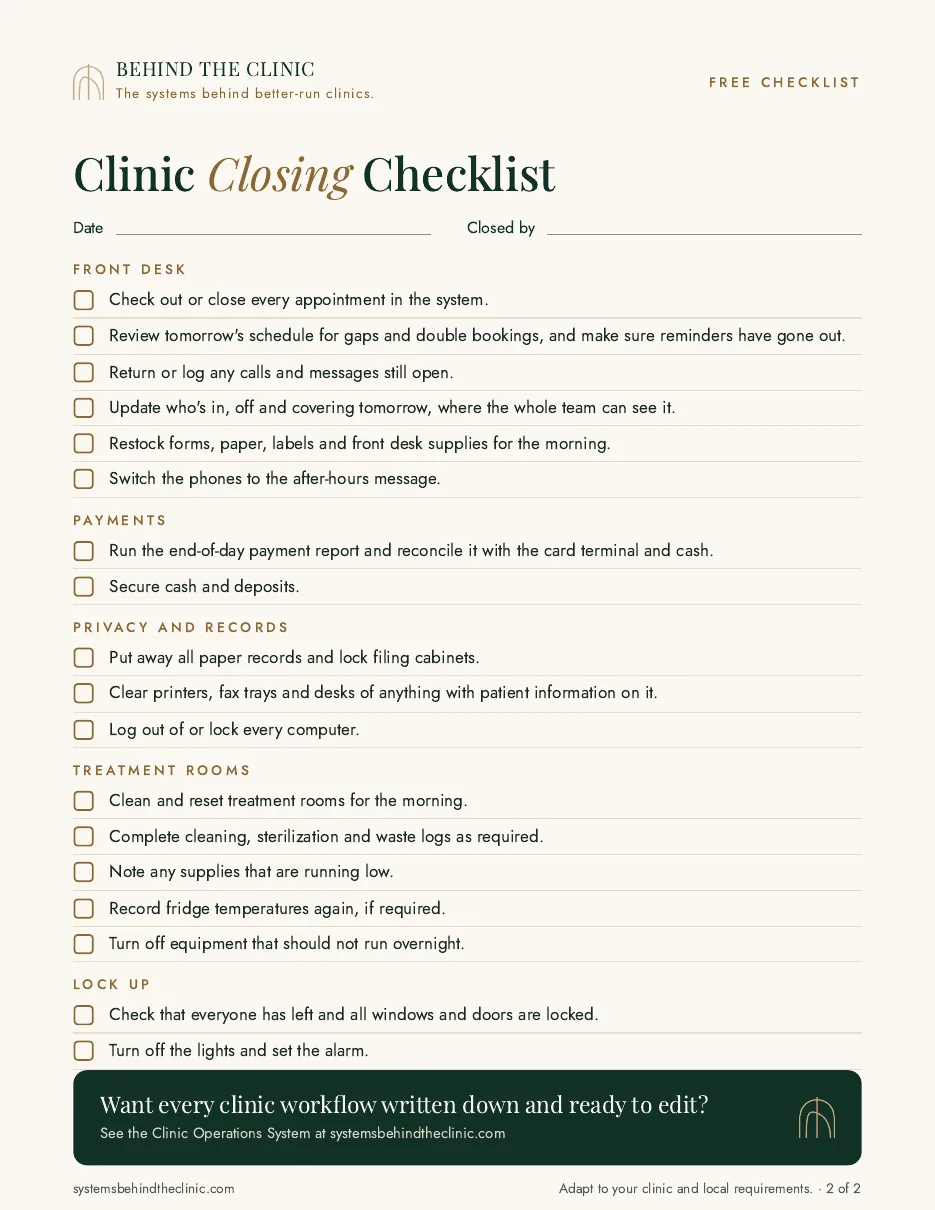
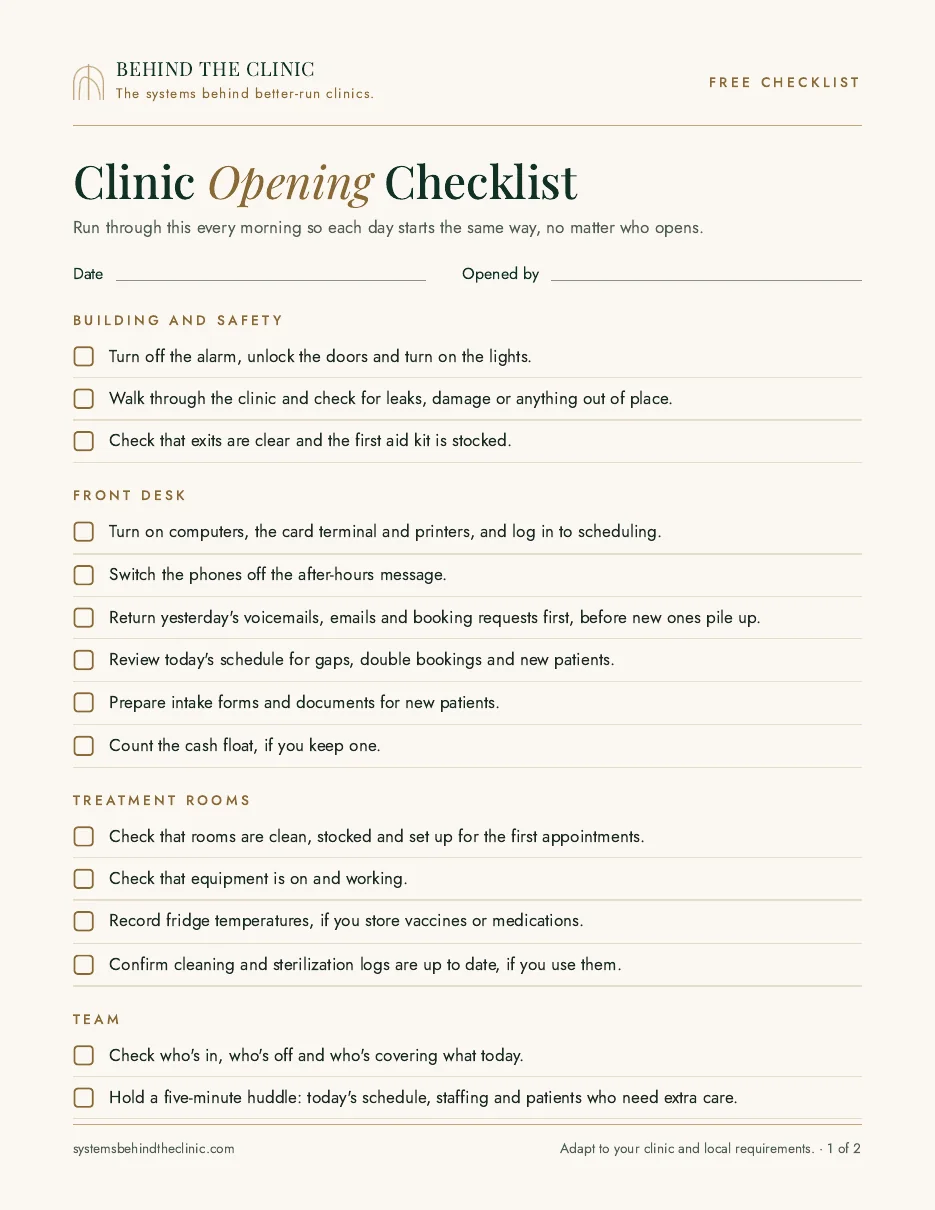
A practical clinic opening and closing checklist for the front desk and treatment areas, so every day starts ready and ends secure, no matter who is working.
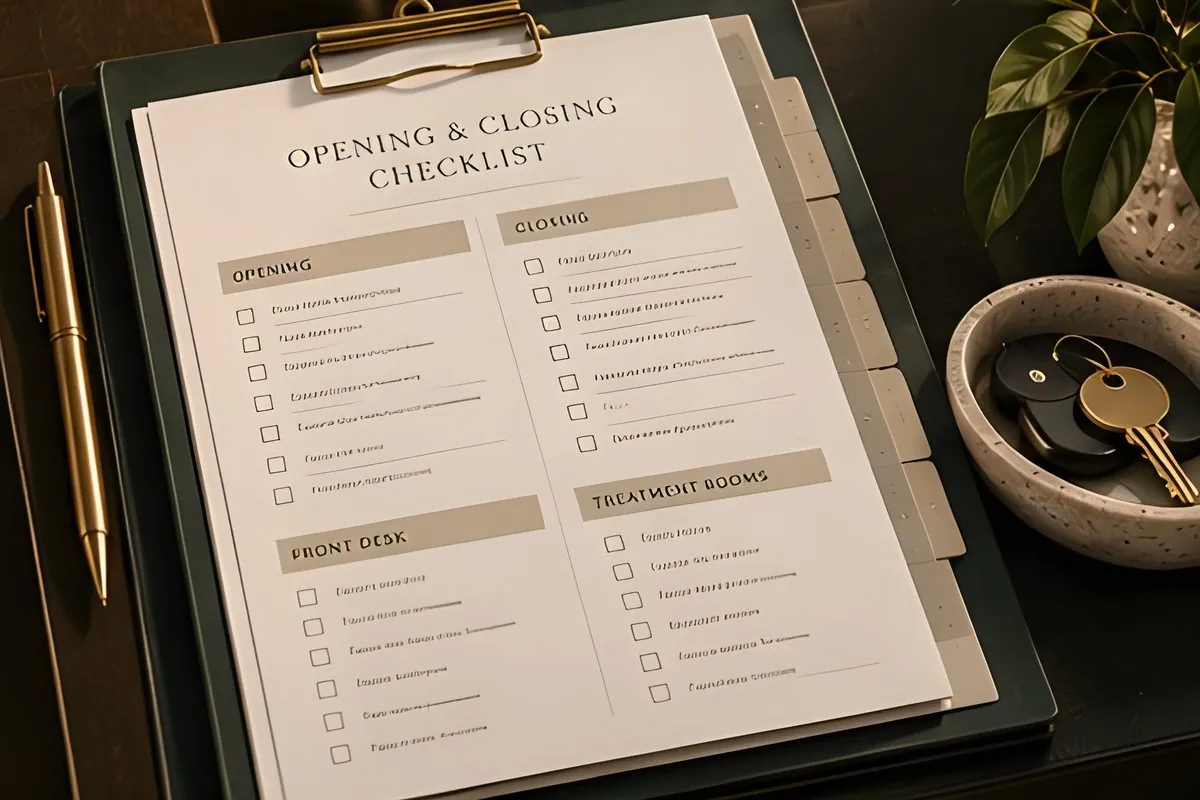
A clinic opening and closing checklist turns the first and last half hour of the day into a routine anyone on the team can run. It prevents the small misses that cause big problems: an unlocked file cabinet, phones left on the after-hours message, a fridge nobody checked. Copy the checklist below and adapt it to your clinic. Remove anything that does not apply, and add your own steps.
Want it ready to print? Get the free printable version, with spaces for the date and who opened or closed.
Building and safety
Front desk
Treatment areas
Team
Front desk
Privacy and records
Treatment areas
Building
The Clinic Operations System includes 20 administrative workflows and a 7-day implementation workbook, so routines like opening and closing become a system your whole team follows.
A short new employee first week checklist for clinics: the paperwork, access and check-ins every new hire needs in their first five days.
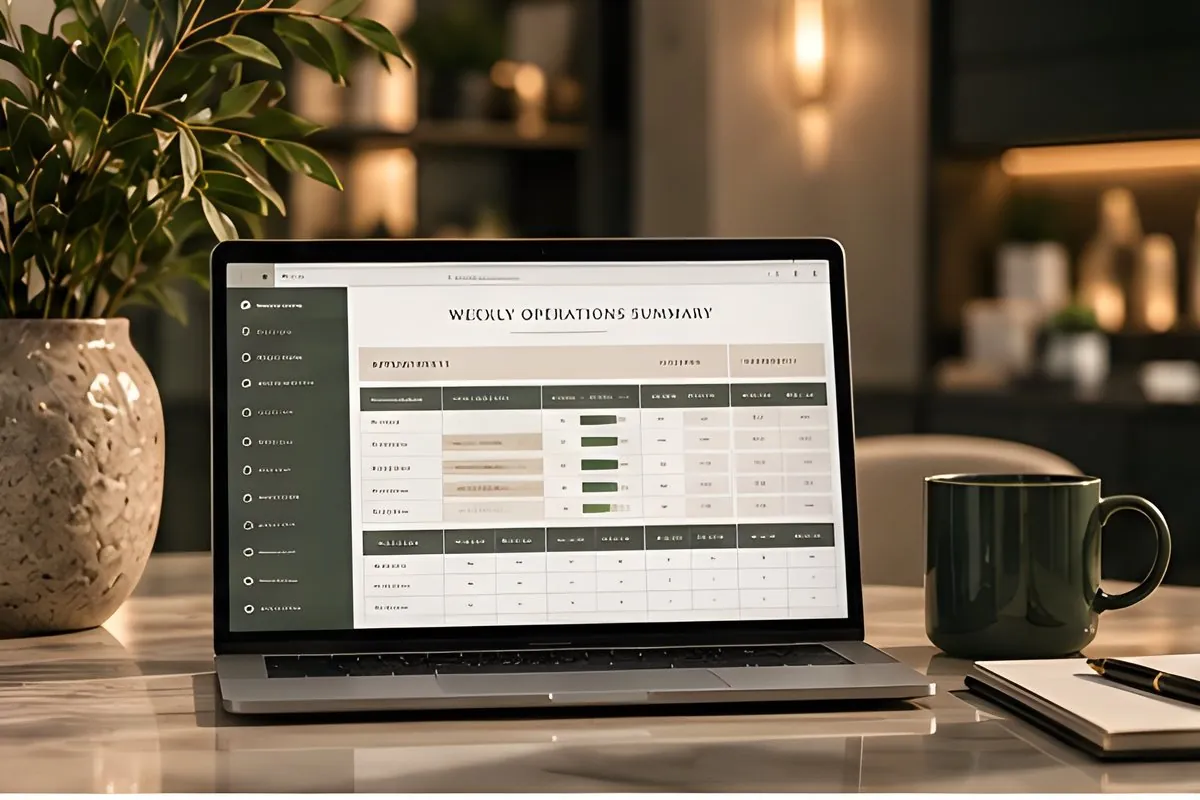
Five clear signs your clinic needs better systems, what each one costs you, and a simple way to start fixing the one that hurts most.
Contact
Tell me what your clinic does and what you have in mind. I reply to every email myself.
systemsbehindtheclinic@gmail.com